Kubernetes Dynamic Application Configuration
This section extends the Dynamic and Runtime Application Configuration guide. It focuses on configuring Spin Applications in a Kubernetes environment and highlights common challenges.
External Variables
Spin supports two types of variable configurations:
Environment Variables within a Spin component: These are specific to a component and cannot be accessed by others.
- Environment Variables as Application Variables: These can be accessed by all components.
Component Environment Variables
WebAssembly modules recognize the Environment Variables of your Operating System with one exception: they don’t have any by default. However, you can set them in spin.toml:
[component.env-explorer]
source = "./env_explorer.wasm"
environment = {"API_URL" = "http://envvars:8080/api", "HELLO" = "WORLD", "TEST_IS" = "Working" }
[...]
In Rust, they can be accessed like this:
    std::env::vars().for_each(|(k, v)| {
        println!("{}: {}", &k, &v);
    });
⚠️ Note
You cannot extend Component Environment Variables with variables from the Environment Variable Provider. The following is not supported:
[variables]
config_value = { required = true }

[component.<component>]
[...]
environment = {"CONFIG_VALUE" = "" }
Environment Variable Provider
The Environment Variable Provider allows you to configure a Spin app externally. Variables from the spin process’s environment (not the component environment) are used. Variable keys are converted to environment variables by being made uppercase and prefixed with SPIN_VARIABLE_:
$ SPIN_VARIABLE_CONFIG_VALUE="Hello World"  # sets `config_value` value
$ spin up
To use this in your application, configure spin.toml like this:
[variables]
config_value = { required = true }
[...]
[component.env-explorer]
source = "./env_explorer.wasm"
[...]
[component.env-explorer.variables]
config_value = ""
In Rust, the variable can be retrieved with:
spin_sdk::config::get("config_value");
Runtime Configuration on Kubernetes
To use Spin Runtime Configuration we will go through the following example of creating a Spin application that consumes a Redis service and uses it as a default storage backend (instead of the internal store).
You’ll find an entire running example at https://github.com/Liquid-Reply/k8s-spin/tree/main/example-2-redis.
Setup Redis
For a basic Redis deployment, use the following configuration. For production, consider the official Redis Helm chart.
Lets deploy the Redis application:
apiVersion: apps/v1
kind: Deployment
metadata:
  labels:
    app: redis
  name: redis
spec:
  replicas: 1
  selector:
    matchLabels:
      app: redis
  strategy: {}
  template:
    metadata:
      labels:
        app: redis
    spec:
      containers:
      - image: redis
        name: redis
        ports:
        - containerPort: 6379
          name: redis
          protocol: TCP
And make it available through a Kubernetes Service resource of type ClusterIP. This is later the service that will be used by our application to communicate with Redis.
apiVersion: v1
kind: Service
metadata:
  annotations:
    app: redis
  labels:
    app: redis
  name: example-2-redis
  namespace: default
spec:
  ports:
  - name: tcp-redis
    port: 6379
    protocol: TCP
    targetPort: redis
  selector:
    app: redis
  type: ClusterIP
Redis is accessible within the cluster at `redis://example-2-redis:6379. Test the connection with port-forwarding:
$ kubectl port-forward --namespace default svc/example-2-redis 6379:6379
Lets populate redis with a couple of values (make sure to install redis-cli to interact with it via CLI):
$ redis-cli
127.0.0.1:6379> SET hello "World"
OK
127.0.0.1:6379> SET spin "Rocks!!"
OK
127.0.0.1:6379> GET hello
"World"
127.0.0.1:6379> get spin
"Rocks!!"
Now that we have a Redis service available in our cluster, we’ll create the application that will consume it.
Spin Application
Next up, we will prepare our application using runtime-configuration to use Redis as default storage backend. Three things are important:
- a
runtime-config.toml - a docker image containing our application
We will use a sample app called the spin-environment-explorer for demonstration.
Lets start with the runtime configuration: cluster internally redis is available on example-2-redis:6379. So this is the url we configure:
[key_value_store.default]
type = "redis"
url = "redis://example-2-redis:6379"
Two additional things are important here: we need to indicate Spin to use the Redis provider by setting the type = "redis". Second: we need to specify the name of our store. In this example we want to configure the default store. In theory we could have multiple named stores.
Now we need to setup our spin.toml and specify the name of our key-value store.
[[trigger.http]]
route = "/..."
component = "env-explorer"

[component.env-explorer]
source = "./env_explorer.wasm"
key_value_stores = ["default"]
For this example you don’t need to build the Dockerfile on your own, as we already prepared it: ghcr.io/liquid-reply/k8s-spin/spin-redis:latest.
For transparency, this is what our Dockerfile contains: spin.toml, runtime-config.toml and the application (env_explorer.wasm):
FROM scratch

COPY spin.toml spin.toml
COPY ./runtime-config.toml ./runtime-config.toml
COPY ./env_explorer.wasm ./env_explorer.wasm
Now that we have our application configuration put in place, we need to take care of our deployment manifest.
apiVersion: apps/v1
kind: Deployment
metadata:
  labels:
    app: spin-redis
  name: spin-redis
spec:
  replicas: 1
  selector:
    matchLabels:
      app: spin-redis
  template:
    metadata:
      labels:
        app: spin-redis
    spec:
      runtimeClassName: wasmtime-spin
      containers:
      - image: ghcr.io/liquid-reply/k8s-spin/spin-redis:latest
        name: spin-env-explorer
        command: ["/"]
Now that your application is deployed, you should be able to access it e.g. via port-forwarding on localhost:8000:
kubectl port-forward deployment/spin-redis 8000:80
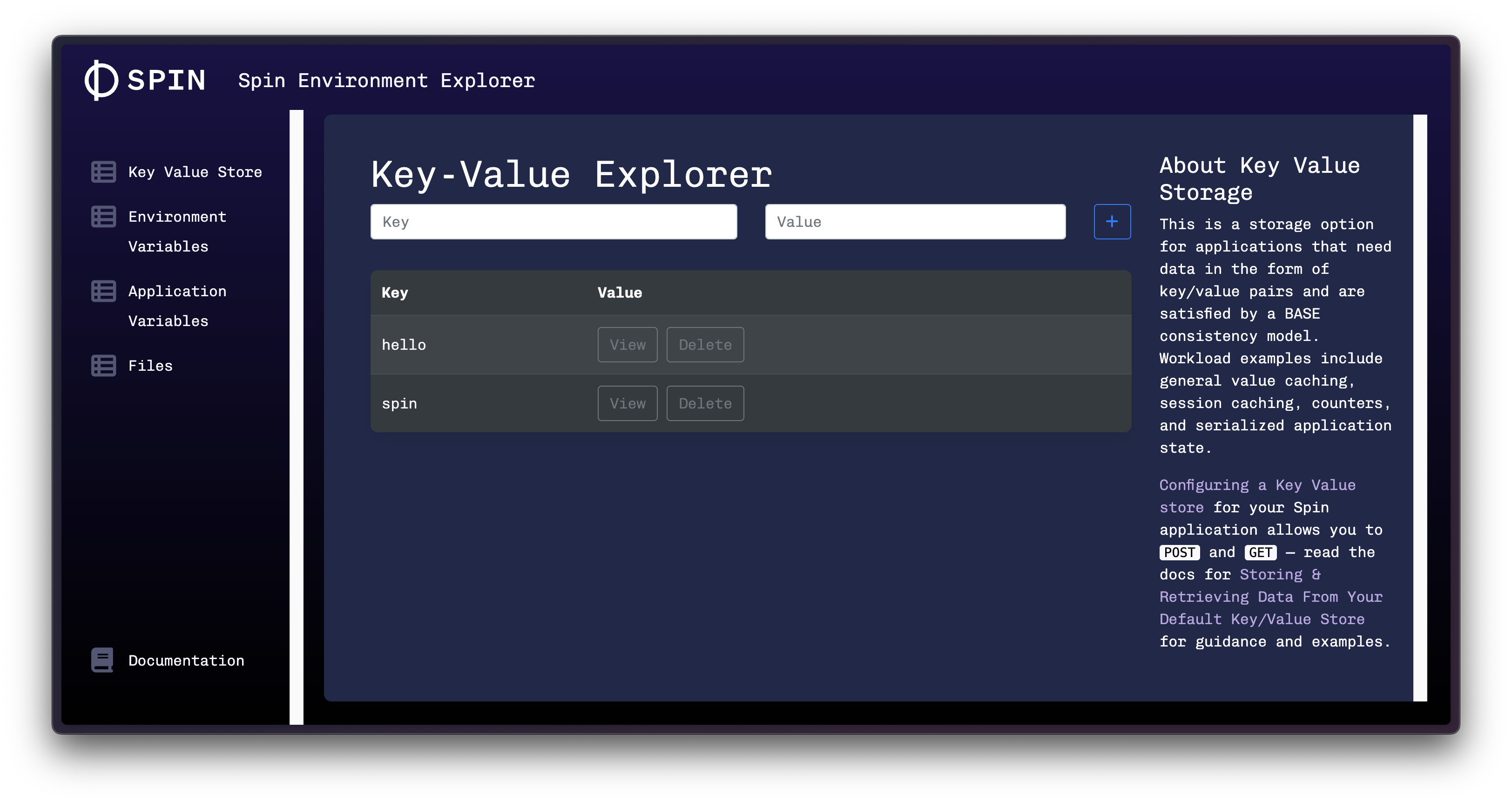
If you followed this guide, you should see the same key/values in your default db:
Working with Secrets
Using Hashicorp Vault:
While Spin supports retrieving secrets from Vault, it’s recommended to use the Vault Secrets Operator on Kubernetes. This operator synchronizes secrets between Vault and Kubernetes, making them accessible within a specified namespace. The application accesses these secrets the standard Kubernetes way, without needing Vault-specific authentication details.
If you nevertheless want your component to fetch secrets directly from Vault, follow the Dynamic Application Configuration documentation.
Using Kubernetes Secrets:
Lets create an application that consumes a Kubernetes secret. You can find a full working example at https://github.com/Liquid-Reply/k8s-spin/tree/main/example-3-secrets.
Create a Kubernetes Secret to use in your application:
$ kubectl create secret generic spin-password --from-literal="password=super-secret"
View the secret:
$ kubectl get secret spin-password -oyaml
apiVersion: v1
data:
  password: c3VwZXItc2VjcmV0
kind: Secret
metadata:
  creationTimestamp: "2023-12-05T13:01:06Z"
  name: spin-password
  namespace: default
  resourceVersion: "249256"
  uid: 33059d0f-ae2b-438d-85a9-c03952f3fe08
type: Opaque
To use this secret in your Spin application:
- Provide the secret as a volume in your pod manifest:
      volumes:
        - name: spin-password
          secret:
            secretName: spin-password
Reference the secret as an environment variable SPIN_VARIABLE_CONFIG_VALUE:
      containers:
      - image: ghcr.io/liquid-reply/k8s-spin/spin-redis:latest
        name: spin-env-explorer
        command: ["/"]
        env:
          - name: SPIN_VARIABLE_CONFIG_VALUE
            valueFrom:
              secretKeyRef:
                name: spin-password
                key: password
Please note, that config_value is an Application Variables, that our application, the environment-explorer, tries to read from.
The entire deployment manfest looks like this:
apiVersion: apps/v1
kind: Deployment
metadata:
  labels:
    app: spin-secret
  name: spin-secret
spec:
  replicas: 1
  selector:
    matchLabels:
      app: spin-secret
  template:
    metadata:
      labels:
        app: spin-secret
    spec:
      runtimeClassName: wasmtime-spin
      containers:
      - image: ghcr.io/liquid-reply/k8s-spin/spin-redis:latest
        name: spin-env-explorer
        command: ["/"]
        env:
          - name: SPIN_VARIABLE_CONFIG_VALUE
            valueFrom:
              secretKeyRef:
                name: spin-password
                key: password
      volumes:
        - name: spin-password
          secret:
            secretName: spin-password
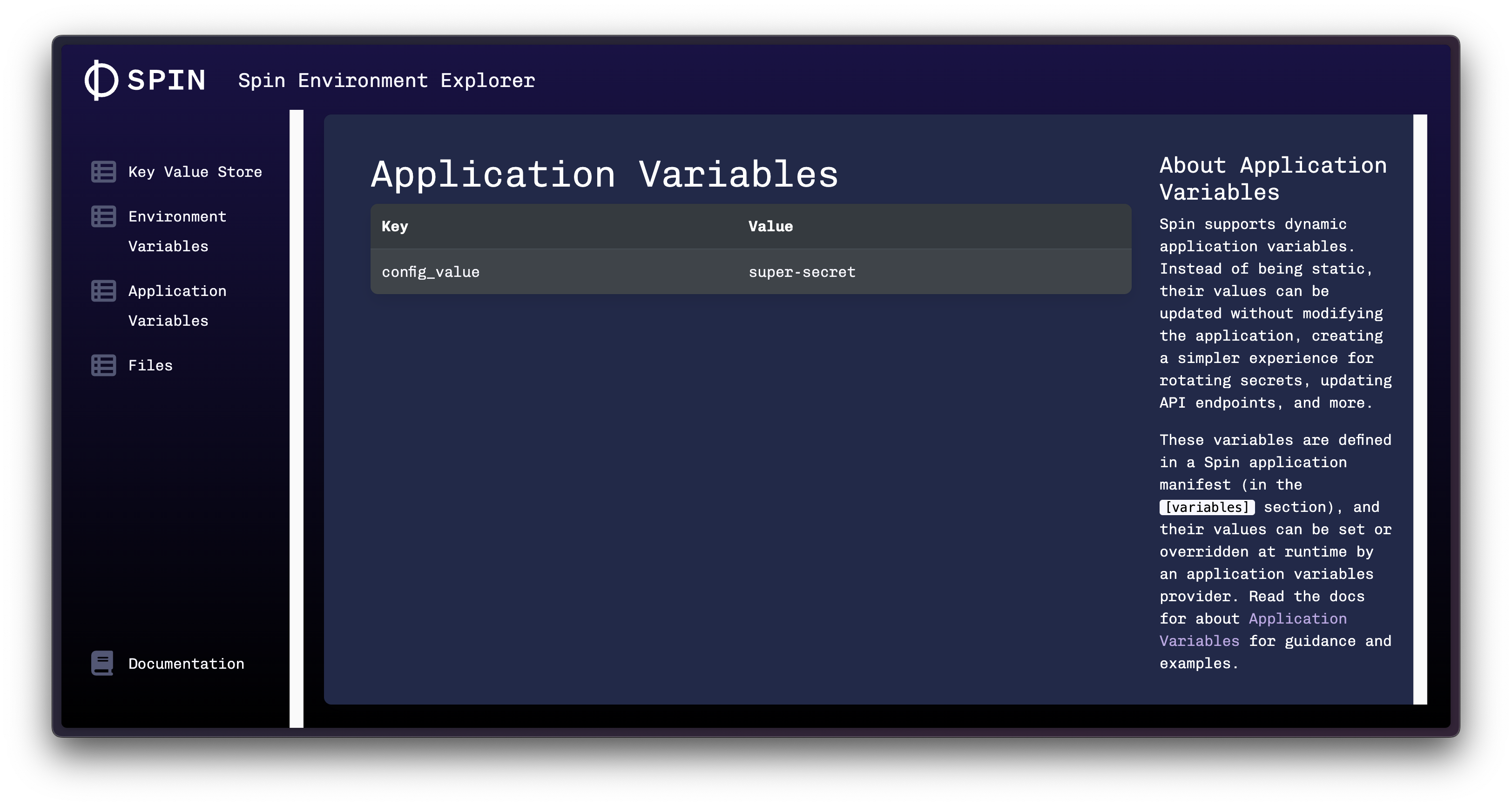
To check the result, port-forward your deployment and check the Application Variables:
kubectl port-forward deployment/spin-secret 8000:80